China’s High-Speed Rail (HSR) network is currently the largest in the world, covering 31 provincial-level administrative regions, including the Hong Kong SAR. High-speed rail has become a convenient daily choice for travel across the border.
This guide provides a comprehensive walkthrough on how to book tickets via 12306 and Trip.com, manage refunds and changes, and navigate your departure from Hong Kong West Kowloon Station.
Top Destinations from HK: Travel Times & Fares at a Glance
Route | Travel Time | Starting Price | Booking Link |
|---|---|---|---|
Hong Kong ↔ Shenzhen (Futian) | 14 mins | HKD 75+ | |
Hong Kong ↔ Guangzhou South | 47 mins | HKD 236+ | |
Hong Kong ↔ Dongguan | 46 mins | HKD 122+ | |
Hong Kong ↔ Shanghai | 8 hours | HKD 982+ | |
Hong Kong ↔ Beijing | 9 hours | HKD 1,296+ |
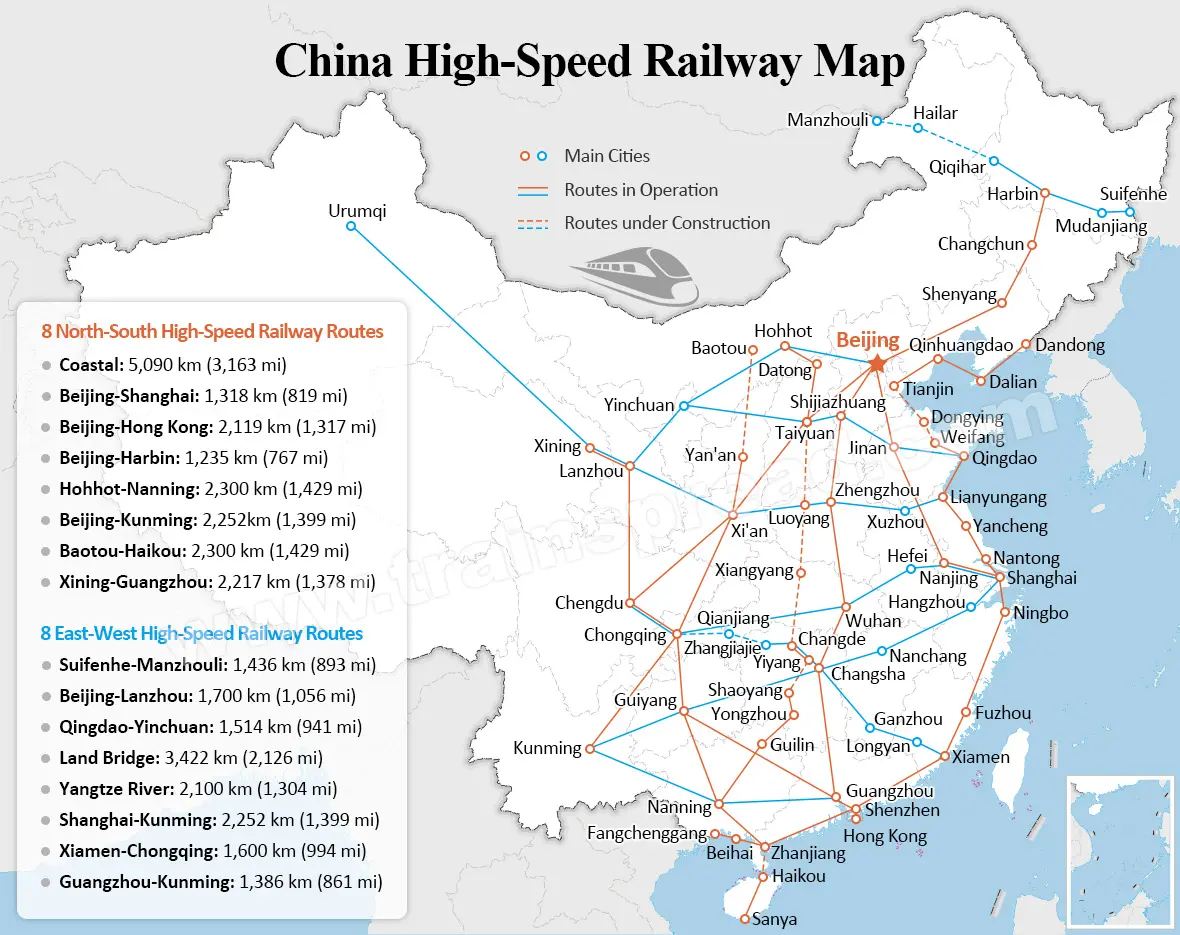
credit: trainspread
1
12306: The Official Way to Book Your Train Tickets

Railway 12306 (website and mobile app) is the only official online ticketing platform operated by China Railway. It offers a "one-stop" service for purchasing, changing, and refunding tickets.
There are several types of trains in China:
- G-Series: High-Speed (Fastest)
- D-Series: Electric Multiple Unit (EMU) / Bullet trains
- C-Series: Intercity trains
12306 allows you to book all these types. Note that the booking processes for the website and the app are similar but have slight differences.
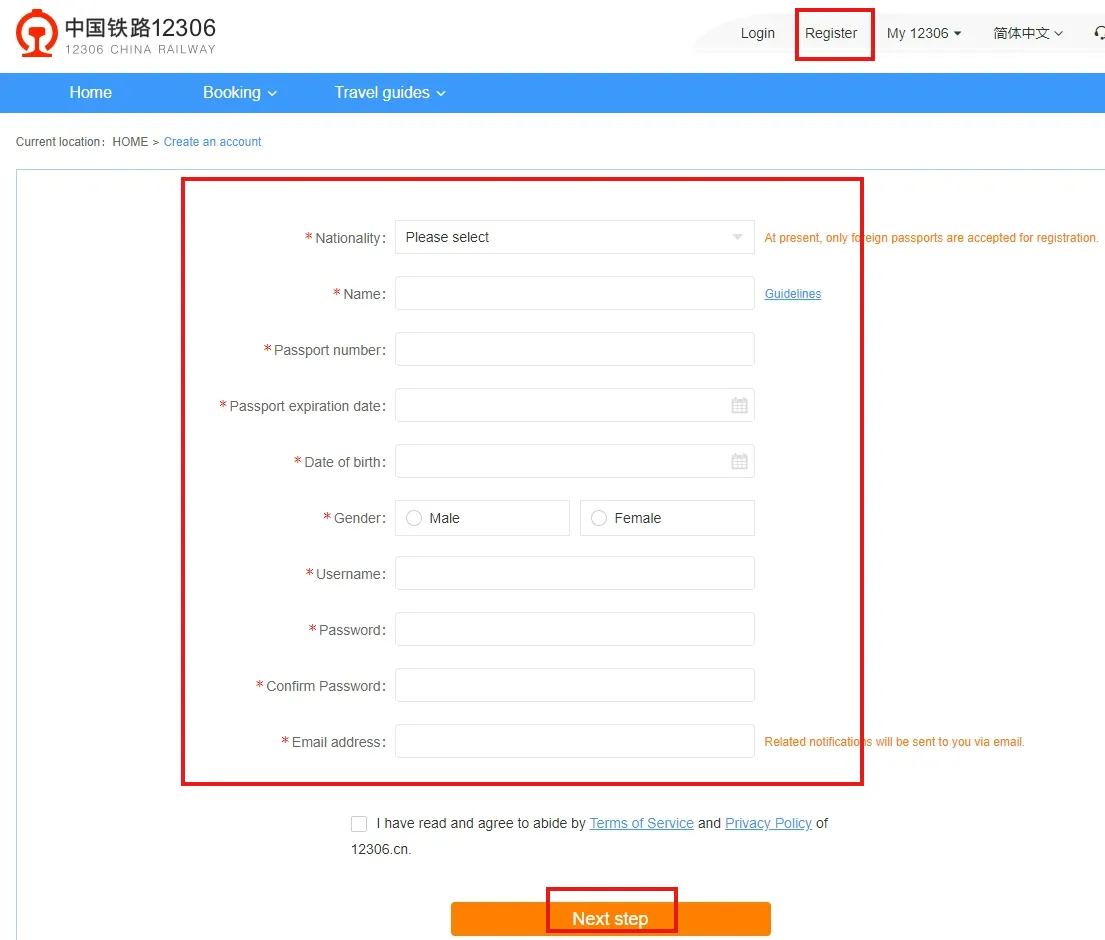
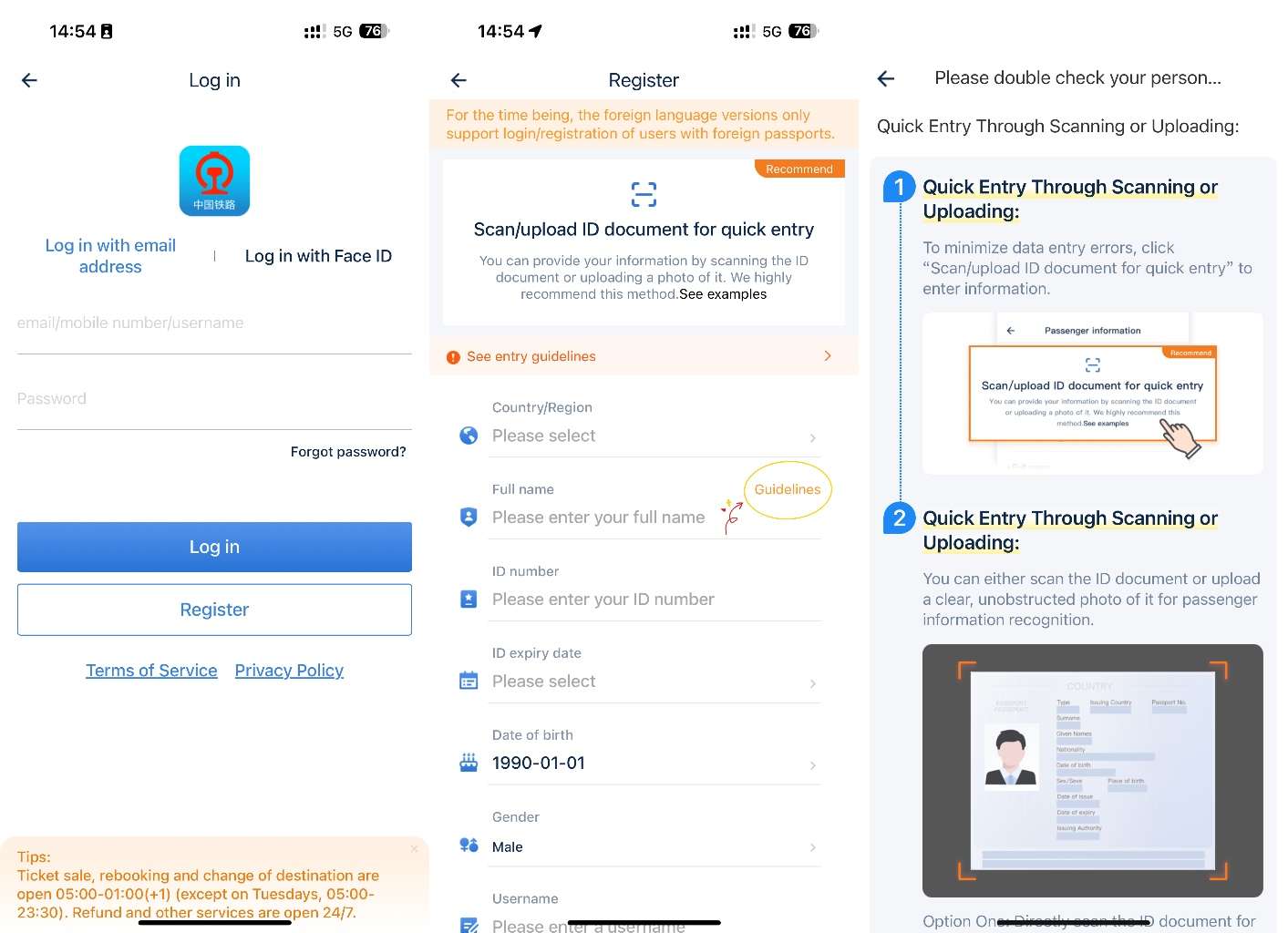
12306 Website Registration
- Visit the official 12306 website and click "Register" (注册).
- Set your username and password. Fill in personal details:
- ID Type: Select "Mainland Travel Permit for HK/Macau Residents" (Home Return Permit).
- Name: Enter in Simplified Chinese.
- ID Number: For Home Return Permits, do not include the issuance count (the two digits at the end).
- Contact: Supports HK mobile numbers or email.
- Verification: You will receive a verification code via SMS or email. Enter it to complete registration.
- Real-name Verification: This is usually processed instantly. Once verified, you can log in.
- Adding Contacts: Since tickets are name-based, add travel companions under "Frequent Contacts" in your account settings. Their ID must also be verified before booking.

12306 Mobile App Registration
- Open the 12306 App, go to "My Account", and click "Login/Register".
- Submit your details and complete ID verification.
- To add companions, go to "My Account," tap "Passengers", and select "Add".

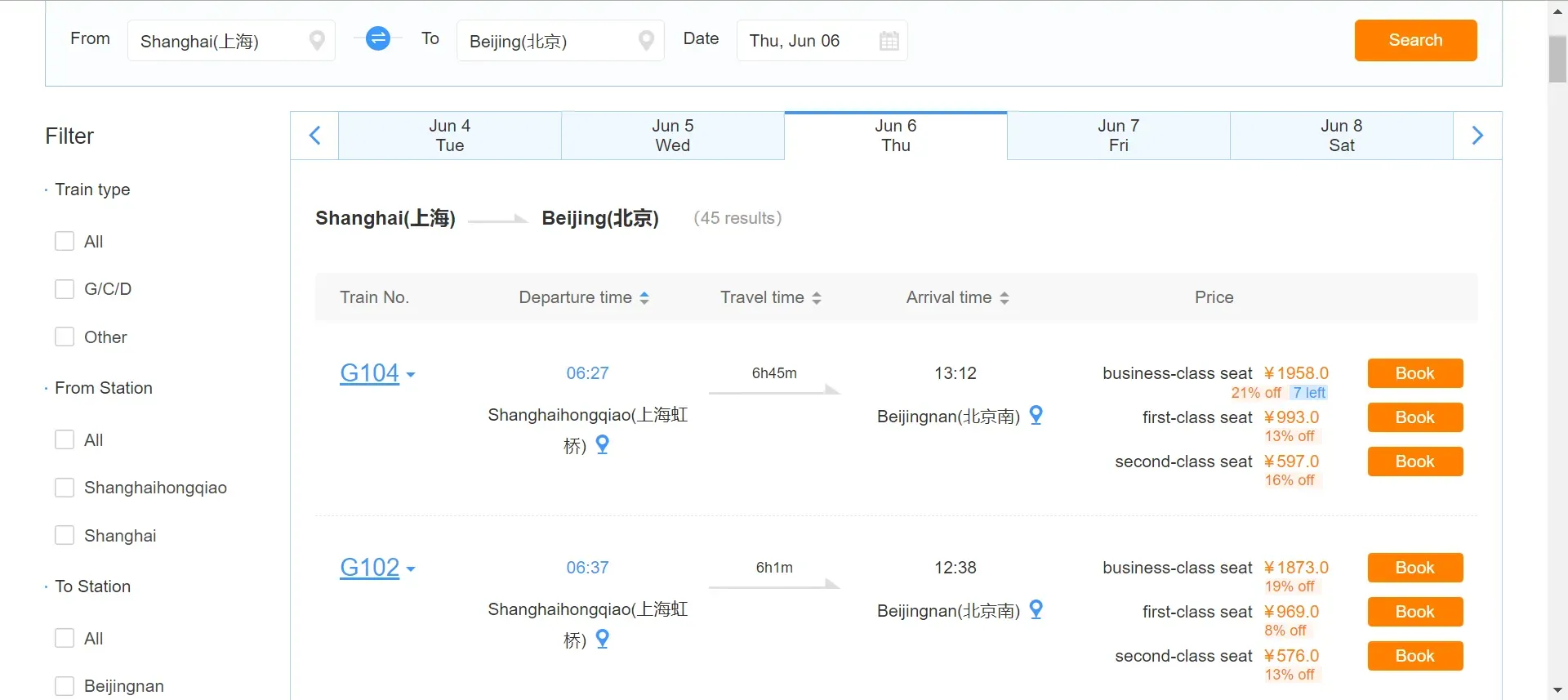
How to Buy Tickets (Website)
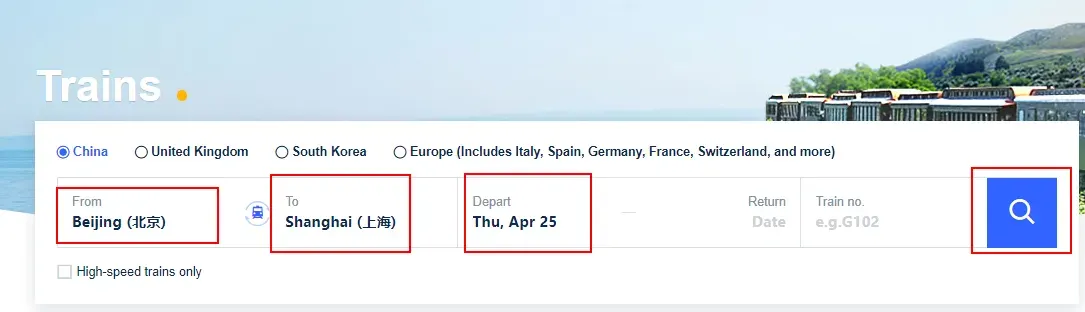
- Select "One-way" or "Round-trip," enter origin/destination and date.
- Review search results (train number, time, seat availability). Note: Prices on the 12306 website are listed in RMB. Click "Book."
- Select the passenger(s), ticket type, and seat class.
- Choose your seat preference. If your preference is unavailable, the system will auto-assign a seat.
- Payment: You have 10 minutes to pay.
- HK/Overseas travelers: Select UnionPay Online Pay, AlipayHK, or WeChat Pay HK.

How to Buy Tickets (12306 Mobile App)
- Search for your route on the home screen.
- Select the train and seat class, then tap "Pay Now."
- Payment: The app supports AlipayHK, WeChat Pay HK, and International Credit Cards (Visa/Mastercard/JCB/Diners).

Transfer Connections
If no direct trains are available, use the "Transfer"tool. For trips starting from West Kowloon, you must specify a transfer station (e.g., enter "Shenzhen North" for a trip to Guangzhou South).
Refunds & Changes on 12306
How to Get Refund on 12306?
Passengers can apply for a refund online through the 12306 website or mobile app, or they can go to a railway station ticket counter to process the refund. The refund fee usually depends on how far in advance of the train's departure you cancel your ticket. Here is the overview of the refund:
Refund Time | Refund Fee |
|---|---|
More than 8 days | No fee |
48 hours-15 days | 5% of the ticket fare |
24 hours-48 hours | 10% of the ticket fare |
Less than 24 hours | 20% of the ticket fare |
Refund Deadline: If the departure station is Hong Kong West Kowloon Station, the deadline for ticket changes and refunds is 45 minutes before the train departs. For tickets departing from the mainland China, the deadline for ticket changes and refunds is 30 minutes before the train departs. After the train has departed, you may no longer be eligible for a refund.
Change of Itinerary (Rescheduling)
- Tickets can only be changed once.
- Once a ticket has been changed, it cannot be refunded.
- For cross-border tickets, you can only change the date or train number, not the destination/origin.
Child Ticket Policy
- Under 6 years old: Free (no seat), but must be declared in advance.
- How to declare: In the 12306 App, go to "Orders" > "Paid" > "Free Child Declaration". Add the child's ID details.
[3% Off] How to Book China Speed Train via Trip.com?
Why use Trip.com?
- Official Agent: No need for complex 12306 verification or queuing.
- Pre-order Advantage: Book up to 60 days in advance (12306 only opens 15 days before).
- Localized Interface: Fully English/Traditional Chinese support and 24/7 customer service.
Booking Process
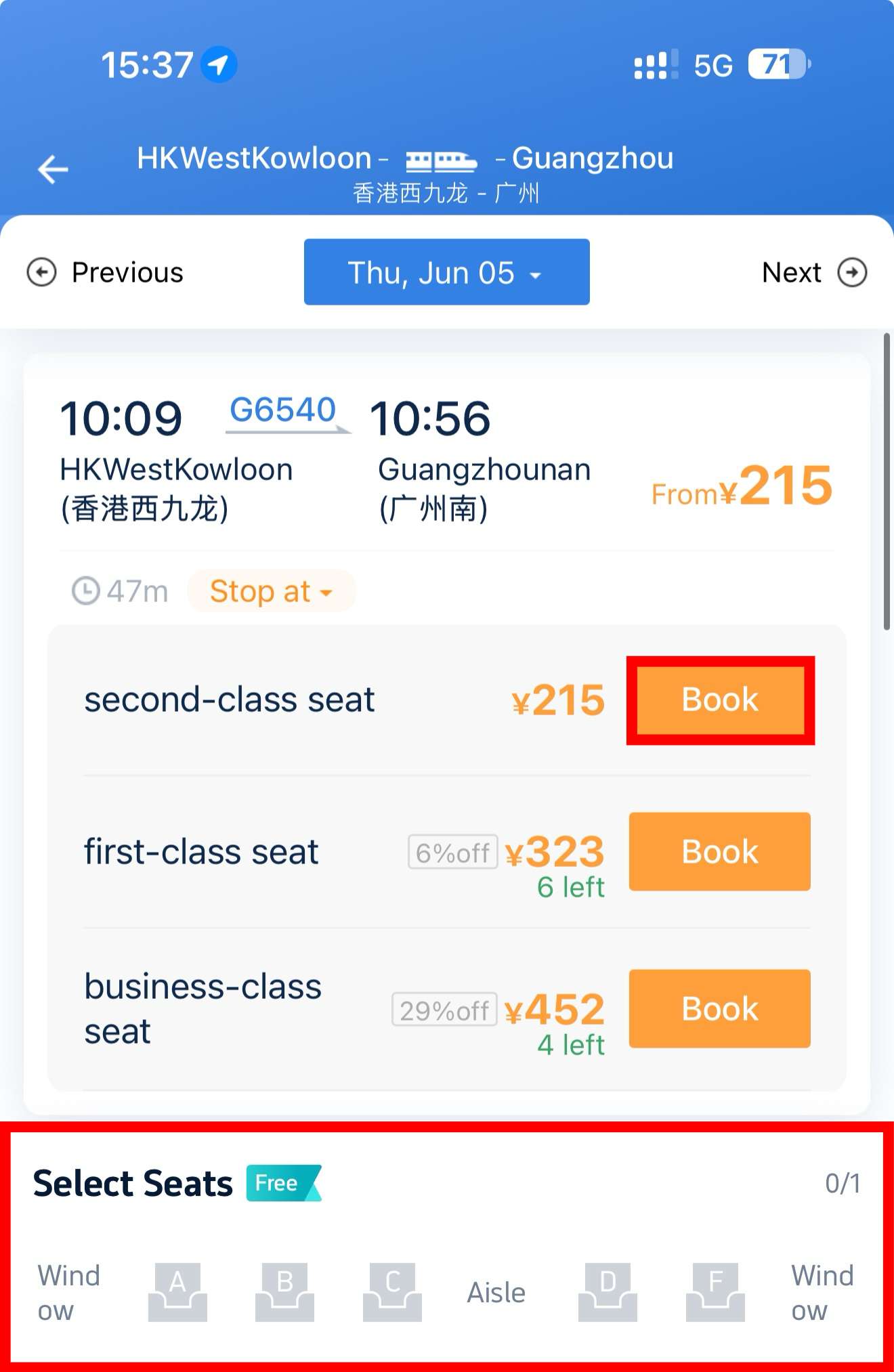
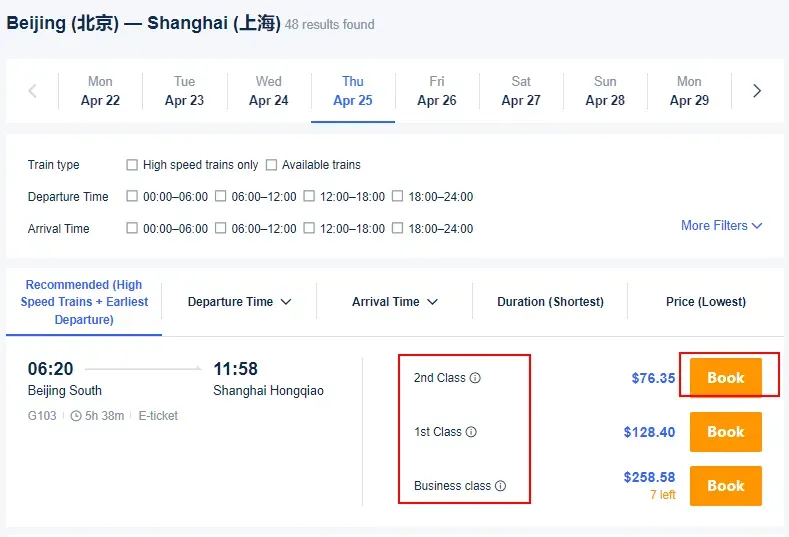
- Search for your route and date.

- Select train class: Business Class, First Class, or Second Class.

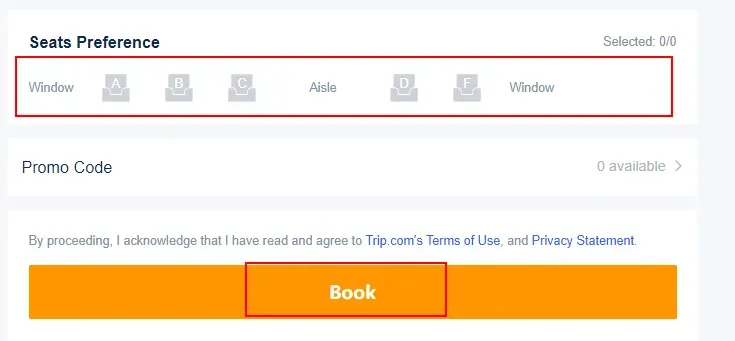
- Choose the seat you preferred: You can choose to sit betweem window, aisle, or middle seats among A, B, C, D, and F. After that, passengers can click on "Book“ to enter the payment page.

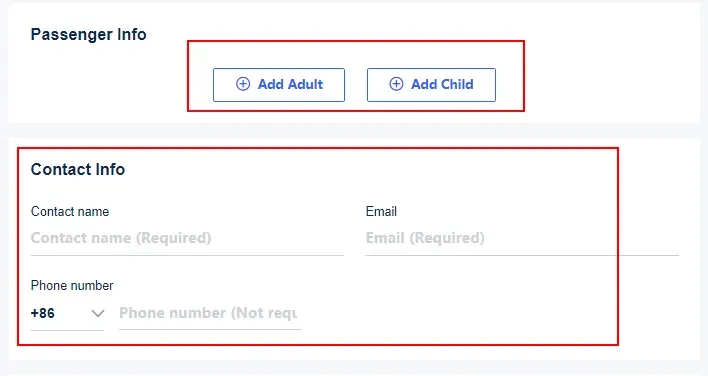
- Enter Passenger Info: Use your Home Return Permit, Passport, or HK/Macau Resident ID.

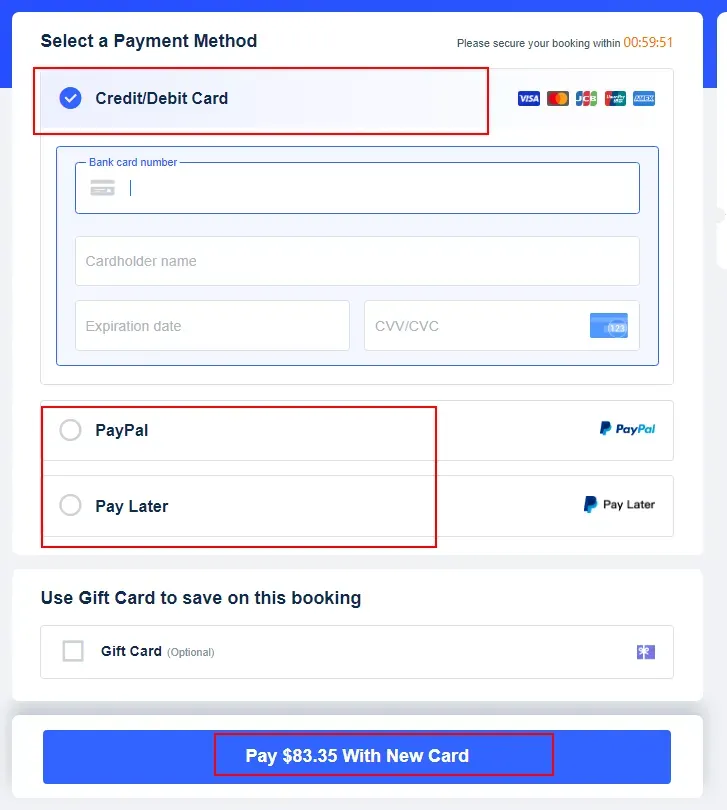
- Payment: Supports Apple Pay, Google Pay, AlipayHK, WeChat Pay HK, Octopus, and major credit cards.

Trip.com Booking Types
- Direct Purchase: For travel within 15 days.
- Pre-order: For travel 16–60 days away. Trip.com will automatically buy the ticket as soon as it's released.
- Waitlist: If sold out, Trip.com monitors for cancellations 24/7 until 120 minutes before departure.
Travel Procedure at West Kowloon Station
Recommended Arrival: At least 45 minutes before departure.
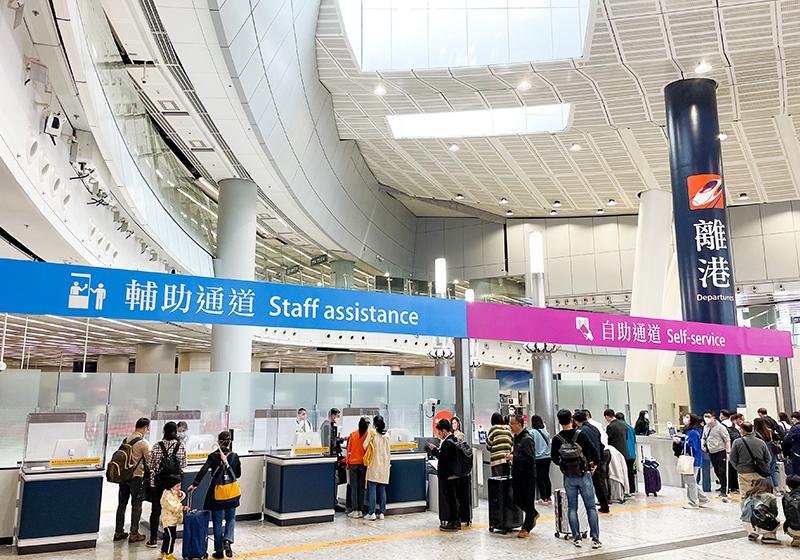
- Ticketing: Paper tickets are no longer used. Simply use your registered ID document (e.g., Home Return Permit) to enter.
- Real-name Verification & Security (B1 Level): Use the self-service gates or staff counters to verify your ID and pass through security.
- Immigration (B3 Level): This station uses a "Co-location Arrangement." You will clear both Hong Kong and Mainland Chinese immigration consecutively within the station.
- Boarding: Go to the departure gates on B3. Gates open 15 mins before and close 5 mins before departure.
- Arrival: Upon reaching your destination in the Mainland, use your ID document at the exit gates.
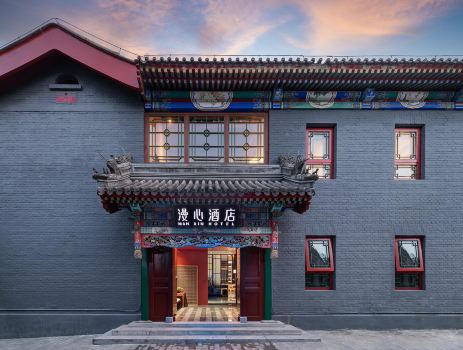
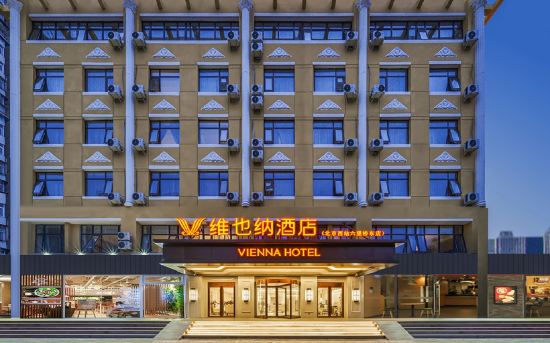
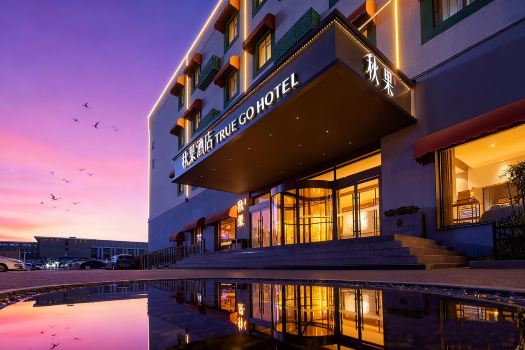
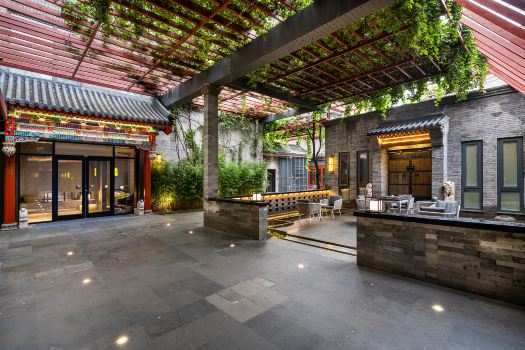
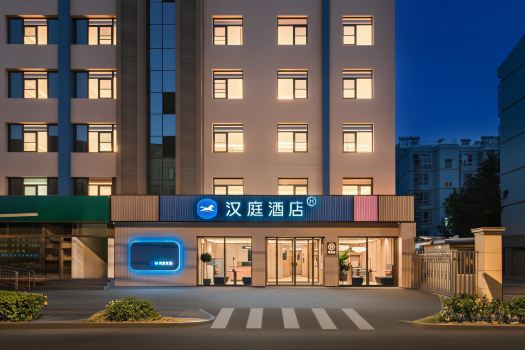
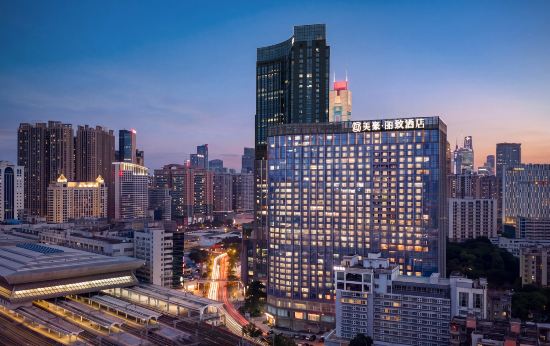
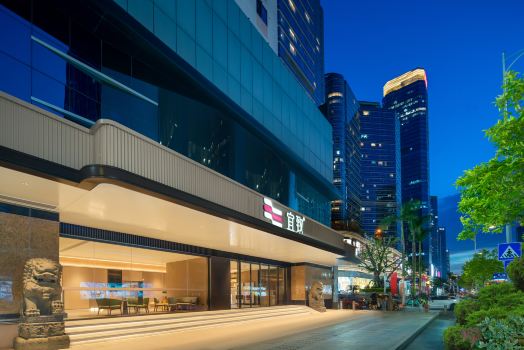
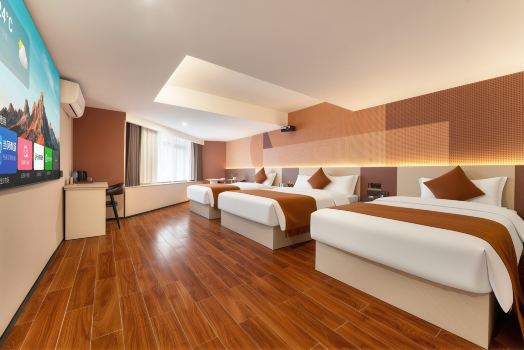
[8% Off] Discover China's Top Hotel Picks!
Frequently Asked Questions
Can foreigners use the 12306 app?
Yes, foreigners can use the app by registering with a valid passport or Home Return Permit. However, the verification process can be slow and sometimes requires manual review.
Trip.com allows you to book instantly without waiting for ID approval, making it the preferred choice for a hassle-free experience.What is the 12306 app?
It is the official mobile ticketing platform operated by China Railway. It provides direct access to train schedules, seat selections, and rewards for all high-speed rail lines in China.
While 12306 is the official source, Trip.com is an authorized partner offering a superior English interface and 24/7 global customer support that 12306 lacks.How to set up the 12306 app?
To set up, download the app, register with your personal details (names must match your ID exactly), and complete the "Real-name Verification" via facial recognition or ID upload.
With Trip.com, you can search and book tickets immediately using your existing account, supporting localized payments like AlipayHK, Octopus, and Apple Pay.How do foreigners buy train tickets in China?
Foreigners can buy tickets through the 12306 app, at station counters (ID required), or via authorized online travel agencies. For the most seamless journey, use Trip.com.
We offer 60-day pre-orders (compared to 12306’s 15 days), a "Waitlist" feature for sold-out trains, and exclusive BOC Credit Card discounts to help you save on your cross-border travels.


NO.1